Installer FrameSet up FrameFrameをはじめる
Reliez Frame à votre Dropbox — c'est à faire une seule fois. Link Frame to your Dropbox — you only do this once.FrameをDropboxにつなぎます。設定は一度だけです。
Frame s'ouvre dans n'importe quel navigateur web — sur ordinateur, tablette ou téléphone, quel que soit le système. Il vous faut seulement un compte Dropbox (gratuit — créez-en un sur dropbox.com). Frame opens in any web browser — on a computer, tablet or phone, whatever the system. You just need a Dropbox account (free — create one at dropbox.com).Frameはどのウェブブラウザでも開けます。パソコン、タブレット、スマートフォン、どのOSでも同じです。必要なのはDropboxアカウントだけ(無料。dropbox.com で作成できます)。
Les captures ci-dessous montrent un téléphone ; les étapes sont les mêmes sur tout appareil. The screenshots below show a phone; the steps are the same on any device.以下の画面はスマートフォンのものですが、手順はどの端末でも同じです。
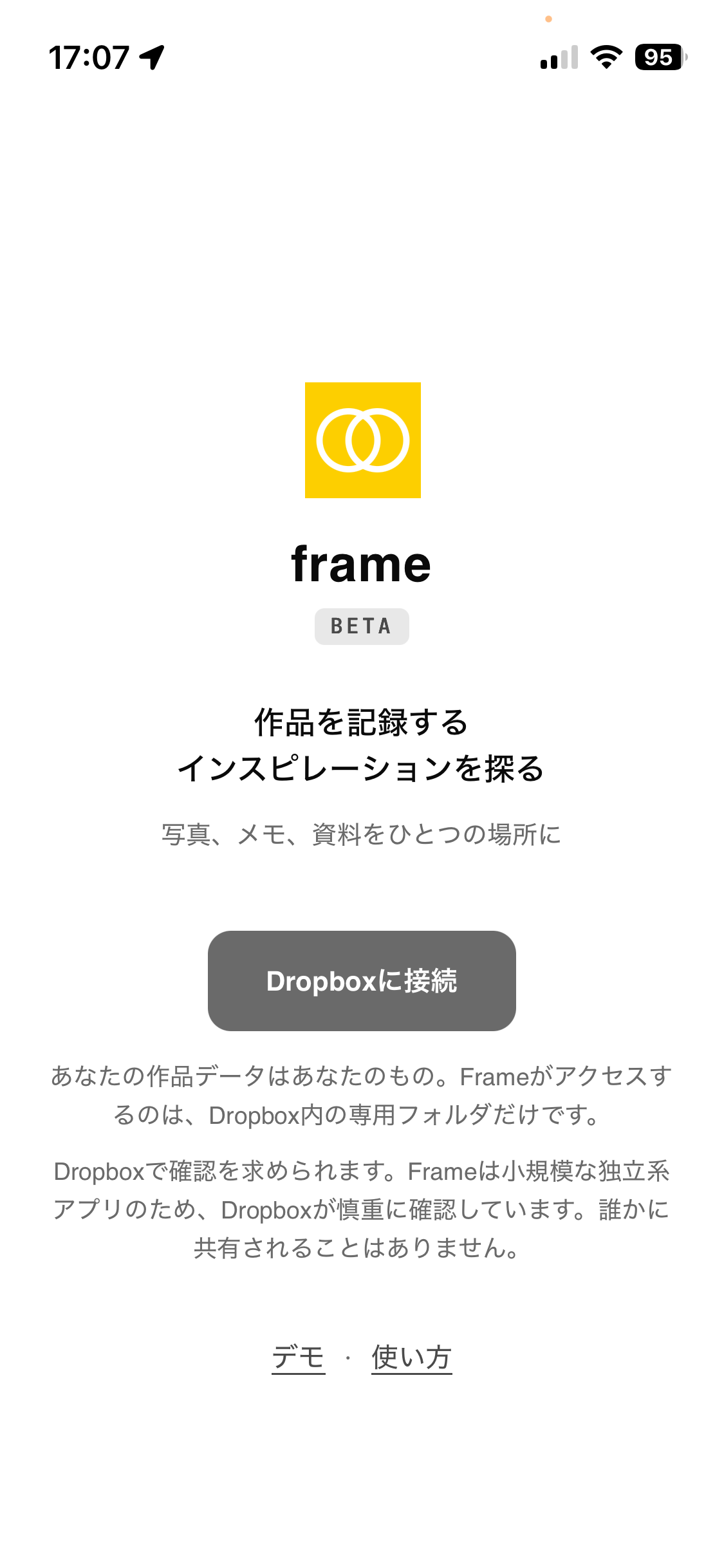
Allez à app.frame-collection.com, puis touchez Connecter Dropbox. Go to app.frame-collection.com, then tap Connect Dropbox.app.frame-collection.com を開き、「Dropboxに接続」をタップ。
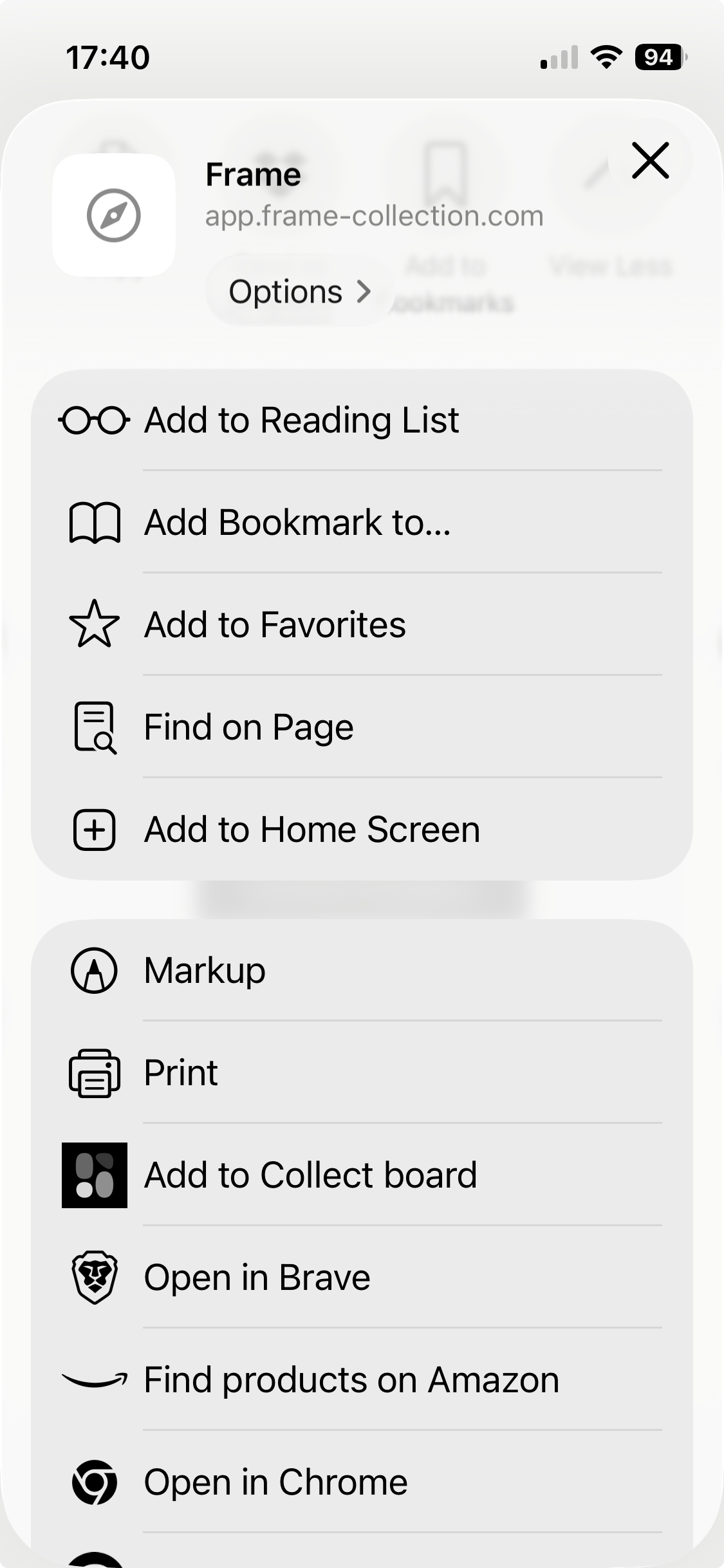
Sur téléphone ou tablette : touchez Partager, puis Sur l'écran d'accueil pour une icône d'app. On a phone or tablet: tap Share, then Add to Home Screen for an app icon.スマートフォン・タブレットでは、共有メニューから「ホーム画面に追加」を選ぶと、アプリのアイコンができます。
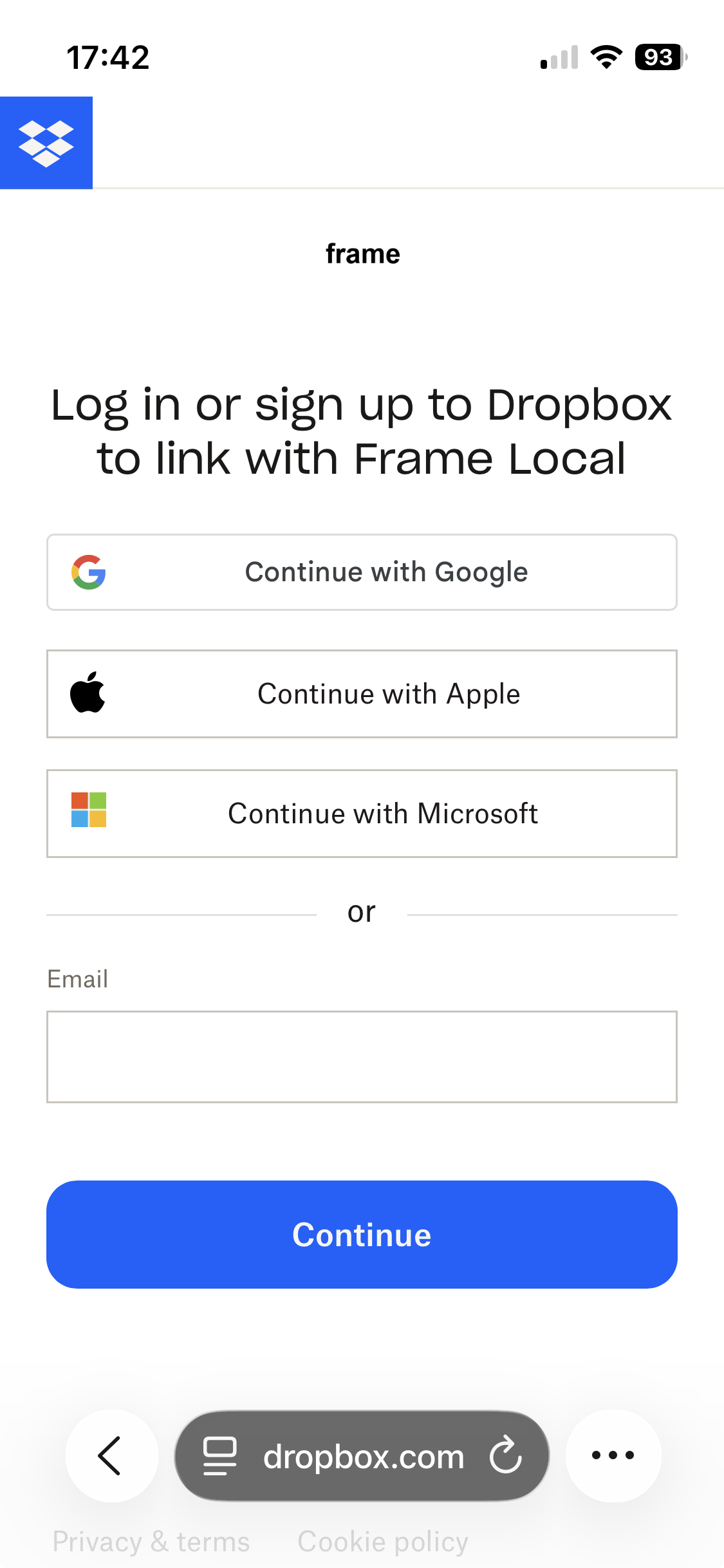
Connectez-vous à Dropbox, puis touchez Continuer. Sign in to Dropbox, then tap Continue.Dropboxにログインし、「続行」をタップ。
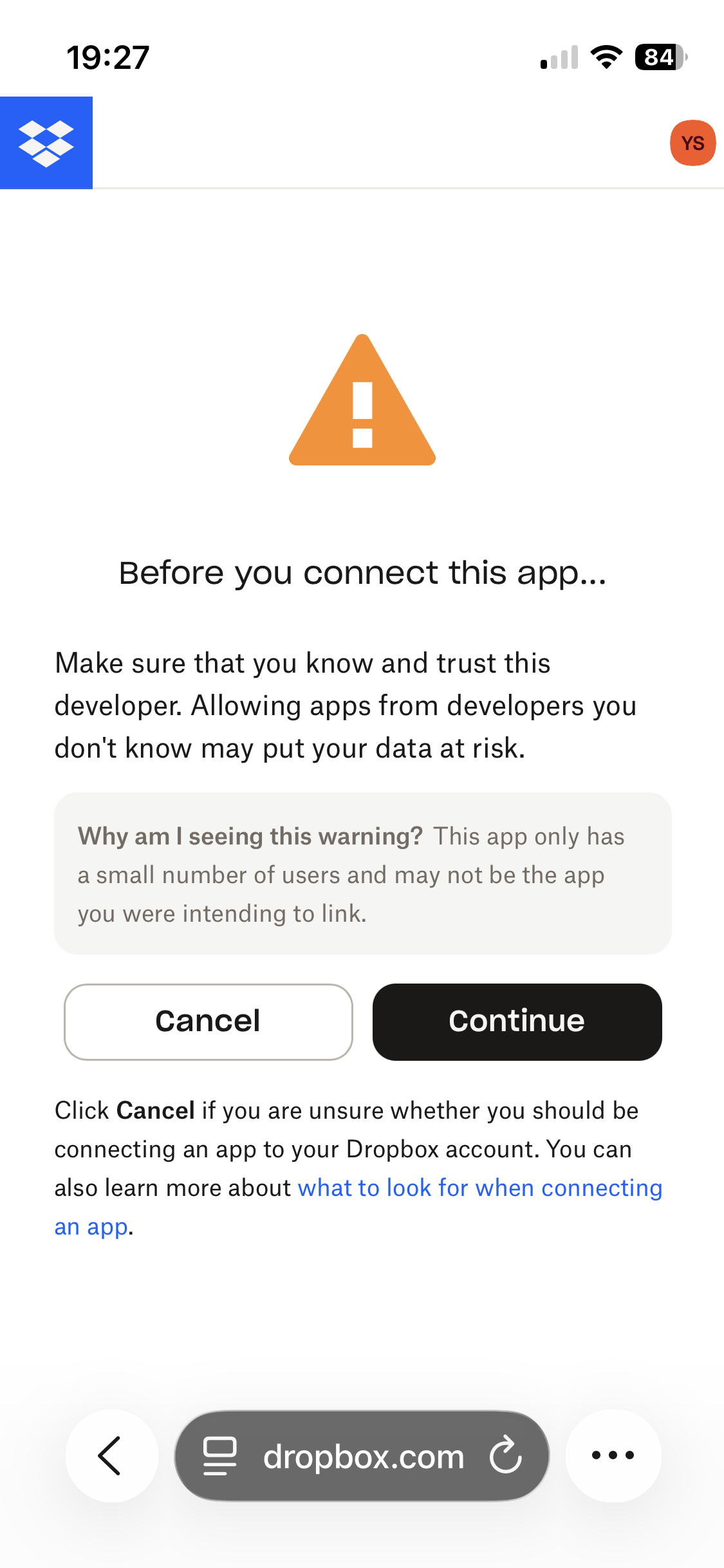
Touchez Continuer. Tap Continue.「続行」をタップ。
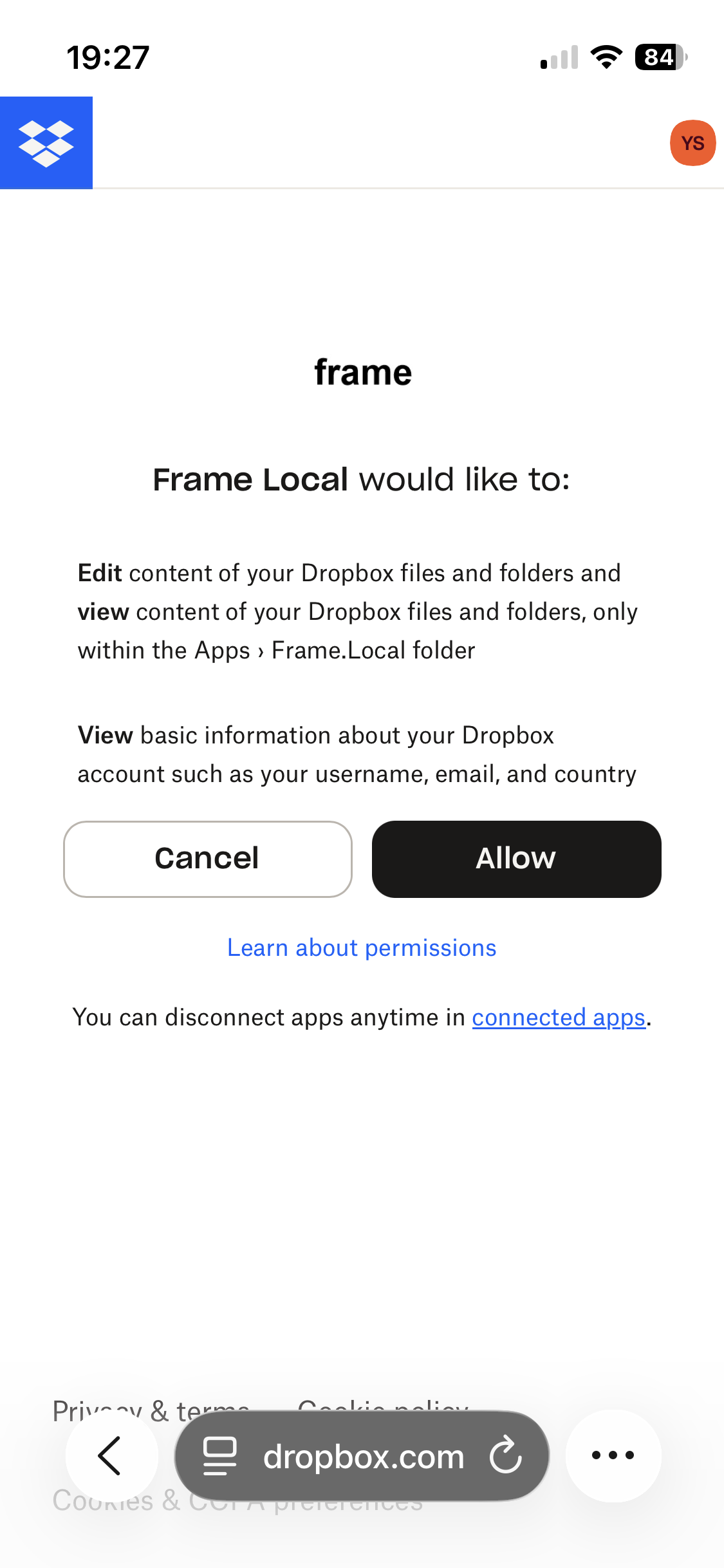
Pas d'inquiétude. Dropbox montre cet avis pour toute application récente. Frame est sûr et ne touche qu'à son propre dossier. Don't worry. Dropbox shows this notice for any new app. Frame is safe and only ever touches its own folder.心配はいりません。新しいアプリには、Dropboxがこの画面を必ず表示します。Frameが触れるのは専用フォルダだけです。
Touchez Autoriser. Tap Allow.「許可」をタップ。
Frame ne voit que son dossier Apps/Frame.Local — jamais le reste de votre Dropbox. Vos données restent les vôtres.
Frame only sees its Apps/Frame.Local folder — never the rest of your Dropbox. Your data stays yours.Frameがアクセスするのは Apps/Frame.Local フォルダだけ。Dropboxのほかのデータにはアクセスしません。データはDropboxの中に、そのまま残ります。
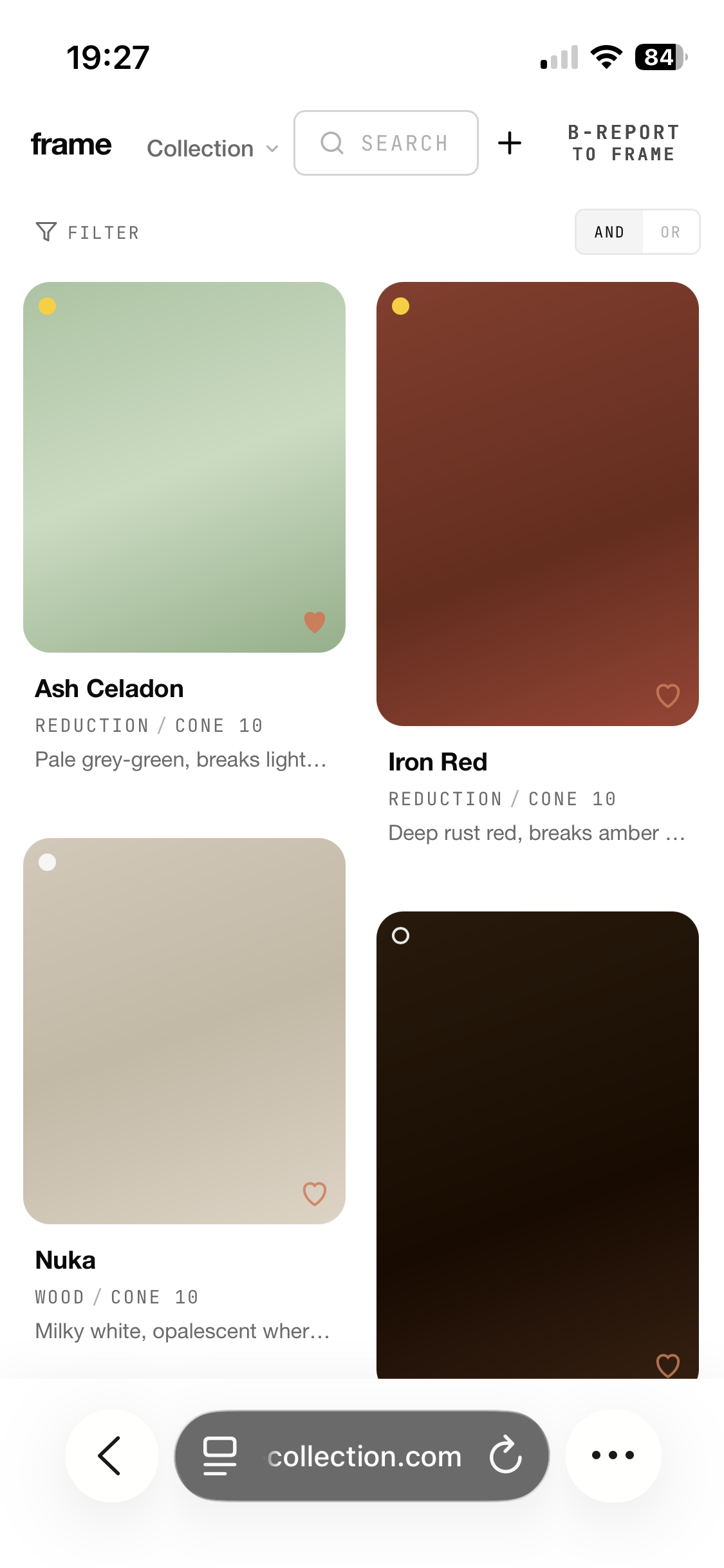
C'est fait — Frame est prêt. Vos données se synchronisent toutes seules. Done — Frame is ready. Your data syncs on its own.これで完了。Frameが使えます。データは自動で同期されます。
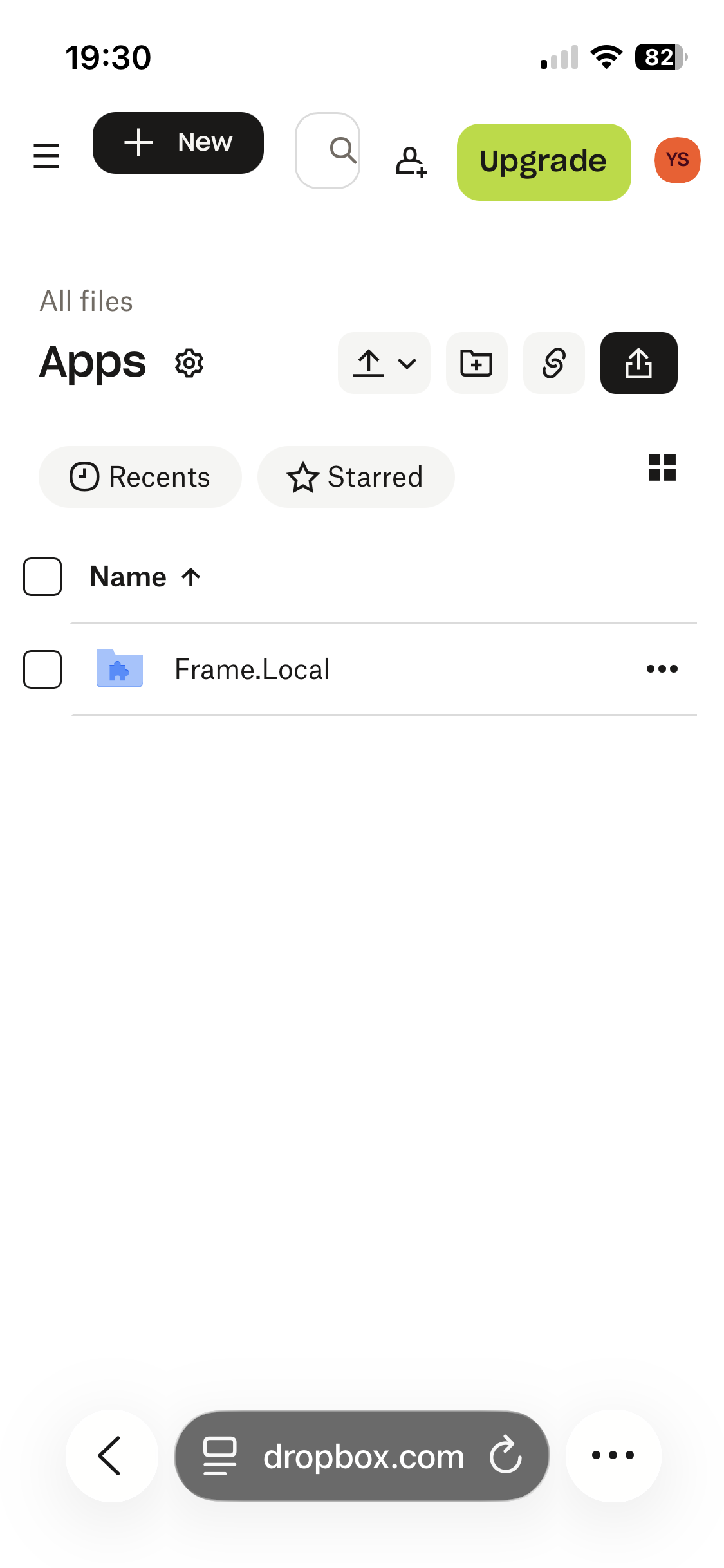
Vos données vivent dans Dropbox → Apps → Frame.Local.
Your data lives in Dropbox → Apps → Frame.Local.データの保存場所は Dropbox → Apps → Frame.Local。
UN SOUCI ?TROUBLE?うまくいかないとき
app.frame-collection.com.Check the address: app.frame-collection.com.アドレスを確認:app.frame-collection.com